



how to purchase hostinger plan-
You have to just follow these steps-
1.In your browser search hostinger or just go to hostinger website https://www.hostinger.com


2. now you have to click on my account button to hostinger


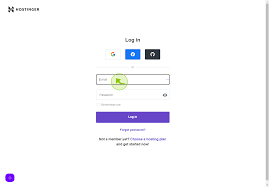
3.and now you have to login with google,etc account

4.scroll down and choose your plan
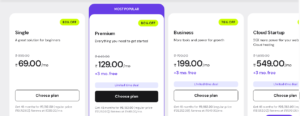

5.Now click on choose plan option now choose your period and click on continue
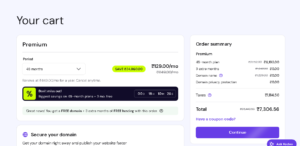

6.Now fill all the details and apply copoun code if you have and click on continue
7. Now choose your payement otipon
8.after process of payement complete now you are redirected to hpanel of hostinger
Now all the things are done
Thanks for reading